

Switching to new tax software can feel like learning to drive a high-tech sports car—exciting, but a little intimidating at first. Even seasoned tax professionals can stumble if they aren’t careful. Small mistakes early on can snowball into bigger headaches during the busy season. But don’t worry—we’ve compiled the five most common mistakes tax pros make with new software and practical tips to avoid them.

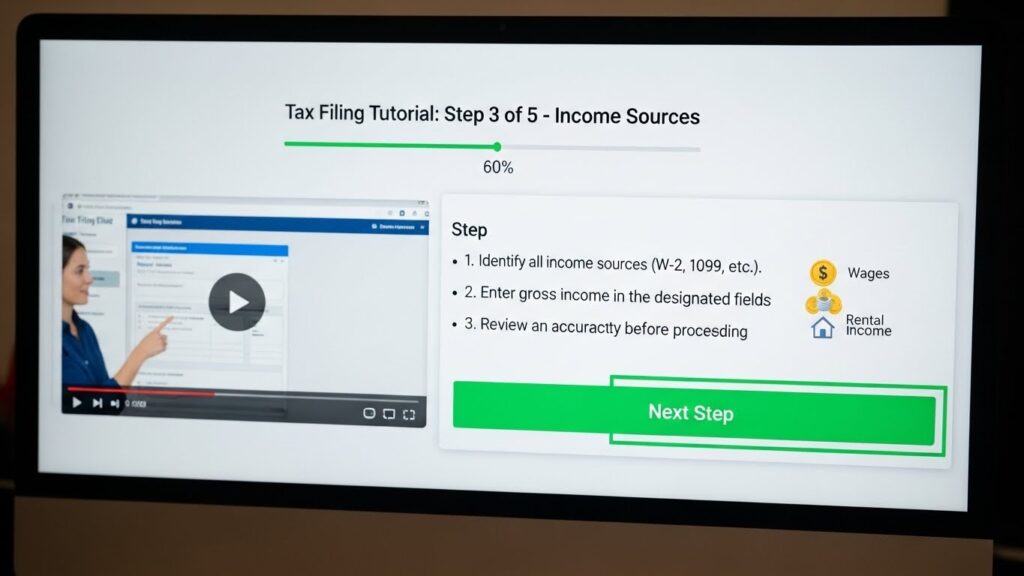
1. Skipping Software Training
It’s tempting to skip training, especially if you’ve been in the tax business for years. After all, “how different can software really be?” But even the most intuitive programs have features that can save you hours—if you know how to use them.
Imagine jumping into a new software without training: you’re fumbling through menus, unsure which buttons to click, and suddenly realize you’ve entered data incorrectly for a client. That small error can lead to lost deductions, frustrated clients, and unnecessary stress.
Tip: Take advantage of video tutorials, webinars, or onboarding sessions. Even an hour of guided training can save you countless hours later.
2. Ignoring Software Updates
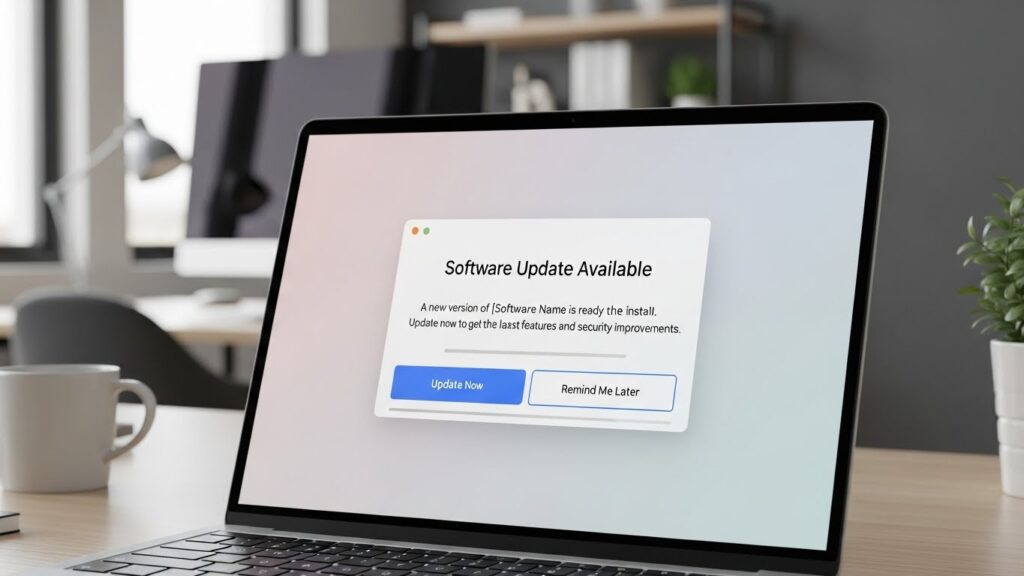
Updates aren’t just about new bells and whistles—they often fix bugs, improve security, and add features that make your work easier. Ignoring them is like driving a car with outdated GPS; eventually, you’ll get lost or run into avoidable problems.
Tip: Turn on automatic updates or set a weekly reminder to check. It’s a small step that prevents big headaches, like software crashes during peak filing season.
3. Poor Intake Form Management
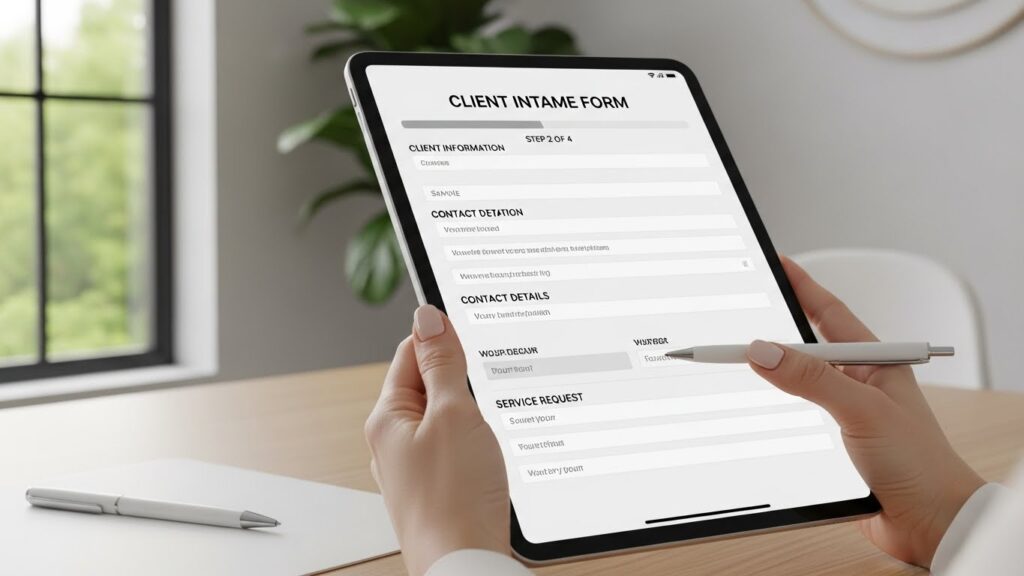
Clients provide the information, but if your intake forms are messy or inconsistent, you’ll end up chasing details, missing deductions, or even making errors on returns.
Tip: Standardize your intake forms and double-check every entry. Bonus: many software packages include ready-made forms to make this process smoother.
4. Neglecting Marketing Templates
Did you know your software can also help grow your business? Many tax pros overlook the marketing tools built into their programs, like email campaigns, client reminders, and social media posts.
Tip: Use pre-built marketing templates to stay in touch with clients and attract new ones. A simple “season’s greetings” email or a reminder about filing deadlines can make you look professional while keeping clients engaged.

5. Underutilizing Technical Support
Even experts need help sometimes. Many tax pros hesitate to contact support, thinking it’s a waste of time. In reality, reaching out can save you hours of frustration.
Tip: Bookmark help resources, chat with support, or schedule a call for tricky questions. The faster you solve problems, the smoother your tax season will go.

Conclusion
Avoiding these mistakes can transform your tax season from stressful to smooth. By investing a little time upfront—through training, updates, intake form management, marketing, and support—you’ll save yourself hours of frustration later. Your clients will appreciate your efficiency, and you’ll feel confident navigating even the busiest weeks.